Buy Stamp Packs
Top up with another stamp pack whenever you need one.
Five Simple Steps
Create your loyalty program, share it with customers, then scan, stamp, and redeem—all without asking customers to download an app.

The Whole Journey
Sign up to Loytu and you are ready to build your first digital loyalty program. There is no specialist hardware to install and you can start free.
Start Free
Choose how your loyalty card looks, how customers earn stamps, and what they receive when they complete it.
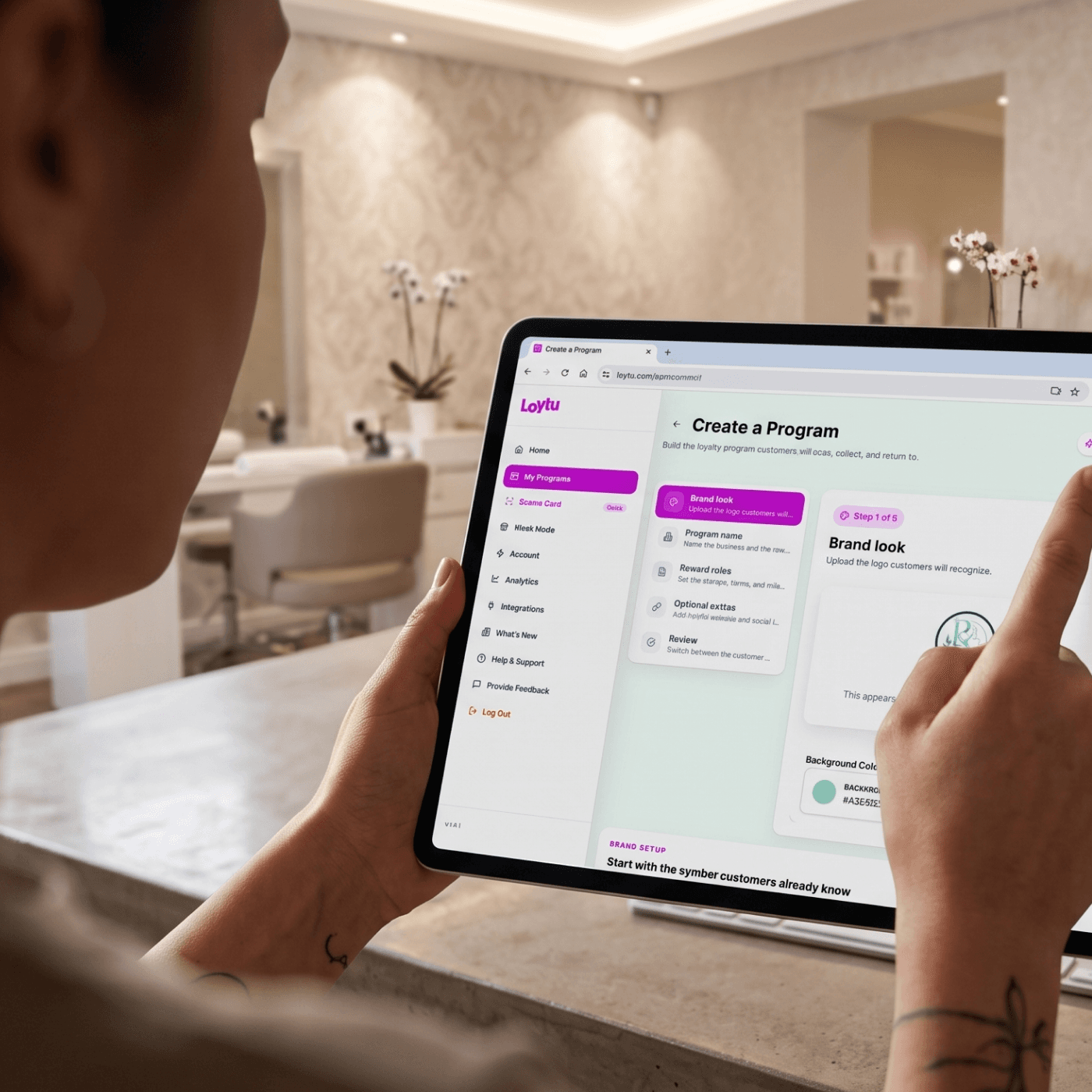
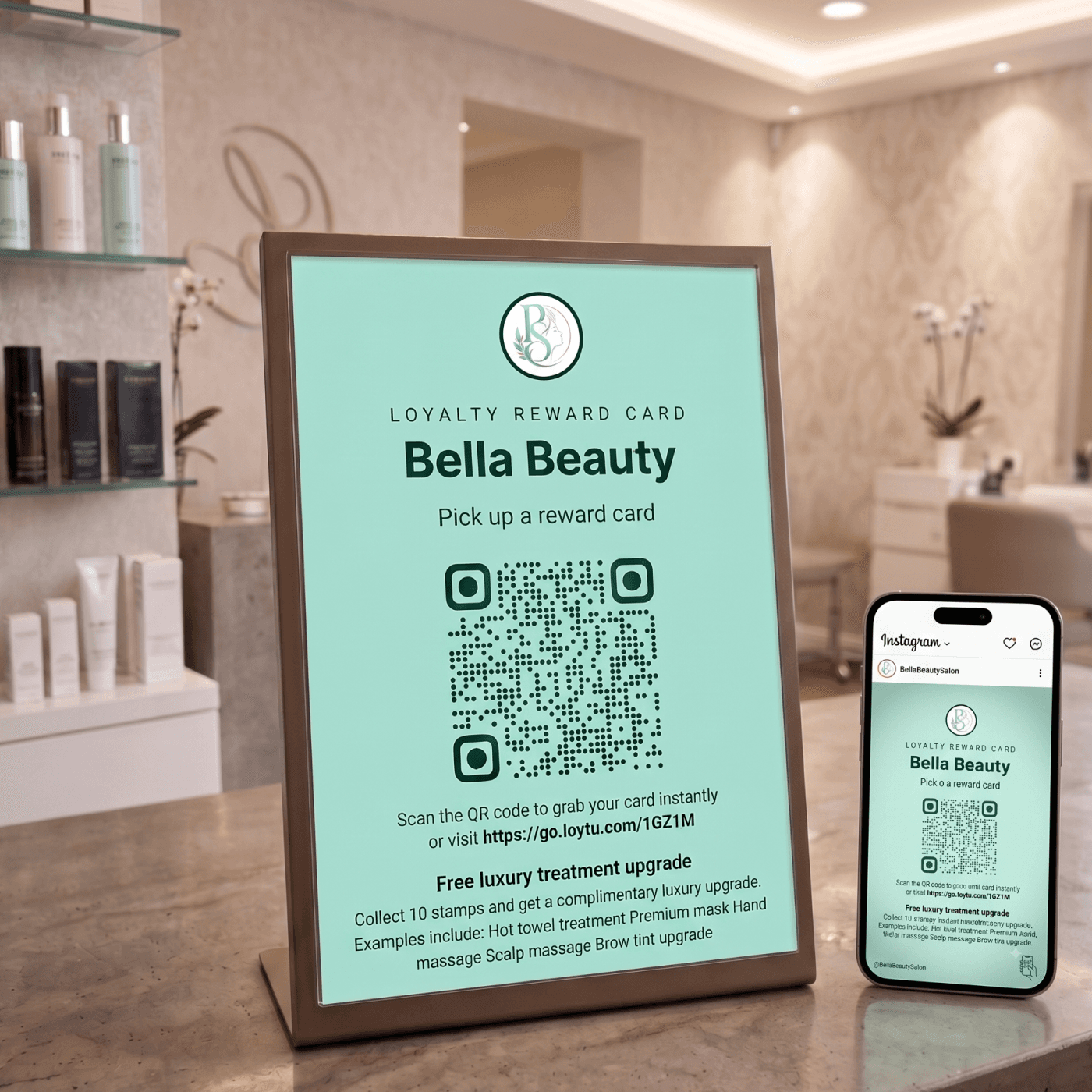
When your program is ready, launch it and give customers an easy way to grab their card. They can save it straight to Apple Wallet or Google Wallet.
Download the Loytu business app on iOS or Android. It is the tool your team uses to scan customer cards, issue stamps, and redeem completed rewards.



The customer shows their wallet card on their phone or smartwatch. Scan it with the Loytu app to add a stamp—or use the same simple process to redeem their reward.

Simple For Everyone
Customers keep their card in the wallet they already use. Your team uses Loytu to handle every stamp and reward.
When You Need More
Choose the option that suits your business now. You can change how you continue as your program grows.
Top up with another stamp pack whenever you need one.
Top up with stamp packs when you need them and keep stamping without a monthly commitment.
The practical details behind launching and running your Loytu program.
No. Customers open your signup link or scan your QR code, then save their loyalty card to Apple Wallet or Google Wallet.
The card can be saved in Apple Wallet or Google Wallet, so customers can find it on their phone when they visit.
Yes. Customers can show a compatible wallet card on their phone or smartwatch for you to scan.
Open the Loytu business app and scan the QR code on the customer's wallet card. You can then issue their stamp in the app.
Scan the customer's wallet card using the same process, then redeem the available reward in the Loytu app.
Display it anywhere customers can easily scan it, such as at the till, on a counter sign, in a window, on printed material, or in your social posts.
You can buy a stamp pack whenever you need more stamps. Packs never expire, so the right pace is completely up to you.
Start free, create your first card, and give customers a simpler way to keep coming back.
Start Free